
Live Q&A · Coming soon
Every question from the room, the best ones first.
Your audience asks from their phones with no code to type and upvotes what they want answered. You moderate from your own screen while the big screen shows the room what you're answering.
Live Q&A is in testing with our team and coming soon. Book a demo to see it in action, or start a live session today.
Planning an event? Read the Event Playbook
Step 1 of 3
Guests ask from their phones
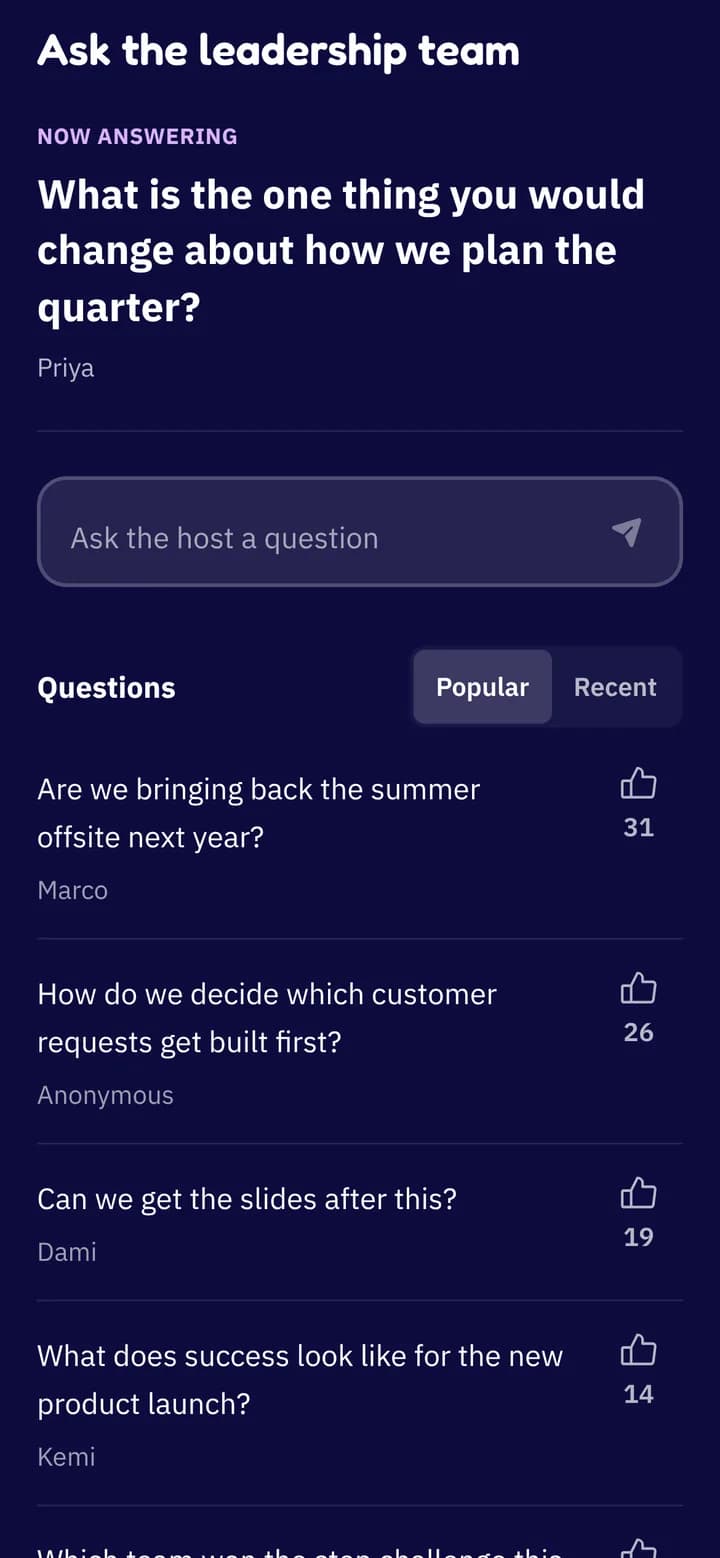
Guests scan the QR code or open your event link, type a question and send it. Adding a name is up to them.
Everyone can upvote the questions they want answered, sort by Popular or Recent, and see which question you're answering right now.
Fair for the room. Each person can ask up to 10 questions, so a few voices can't fill the list.
Step 2 of 3
Moderate from your own screen
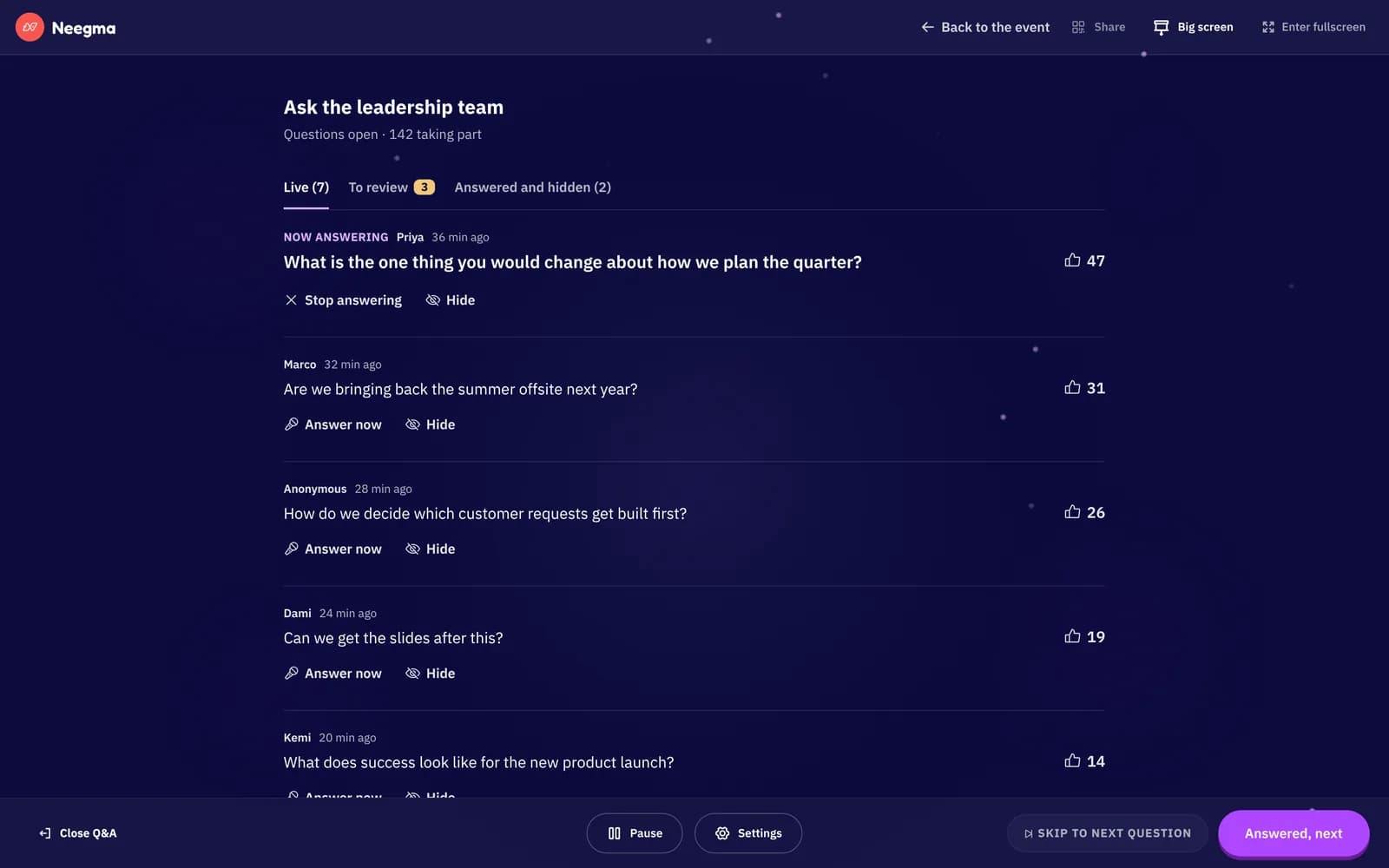
Your board is private. Questions come in sorted by votes, and one tap answers or hides each one.
Mark the question you're taking with Answer now, and Answered, next moves on to the most popular one left. Pause new questions whenever you need to catch up.
Review questions first. New questions wait for your approval before anyone sees them.
Hold rude language. Questions with rude words wait for your review. Basic, English only.
Step 3 of 3
Put it on the big screen
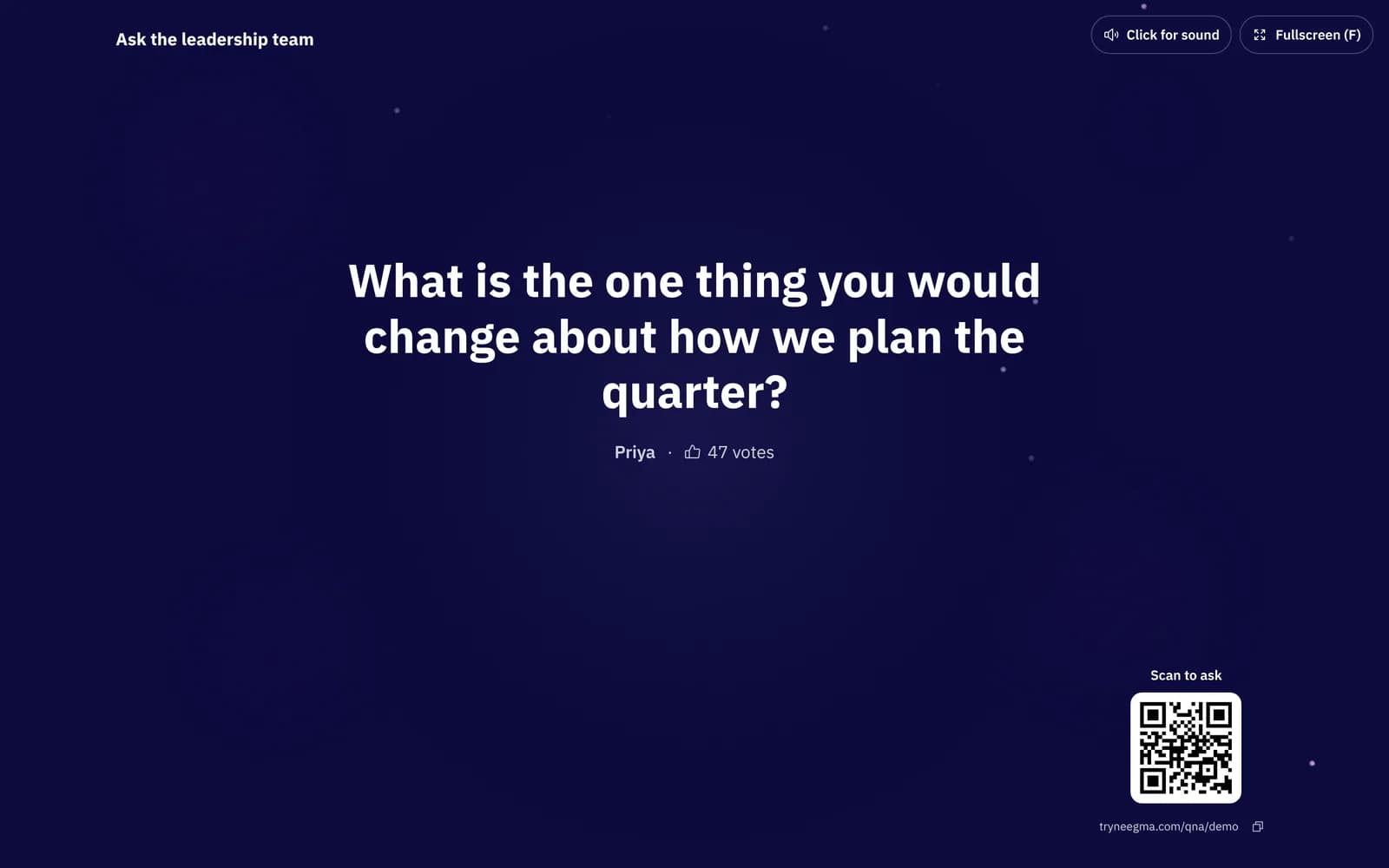
Big screen opens a projector view for the room, with a QR code so latecomers can still join.
It shows the question you're answering, who asked it and how many votes it got, and never shows anything waiting for review or hidden.
Questions
Good to know
Do guests need an app?
No. They open the link or scan the QR code in any phone browser. No app, no sign-up and no code to type.
Anonymous questions
A name is optional, so people can ask the question everyone is thinking but nobody wants to put their name to.
Keep the record
When you're done, export every question with its votes as a CSV for your follow-up.
Part of your event
A Q&A sits on your event's link next to your live sessions, Challenges and raffles.
Built for all-hands and panels
Town halls, conference talks, panels and AMAs: anywhere the audience has more questions than there is time.
Go further with a guide.
Ideas and how-tos from the Neegma blog.
Conference icebreakers that reset the room
Turn the gap between talks into a short, shared activity.
Corporate event games that get people talking
Match each activity to arrivals, dinner or the evening social.
Experiences
Everything your event needs, on one link
Mix game shows with a Challenge, a Q&A and a prize draw. Guests find them all on your event's page.
Live sessions
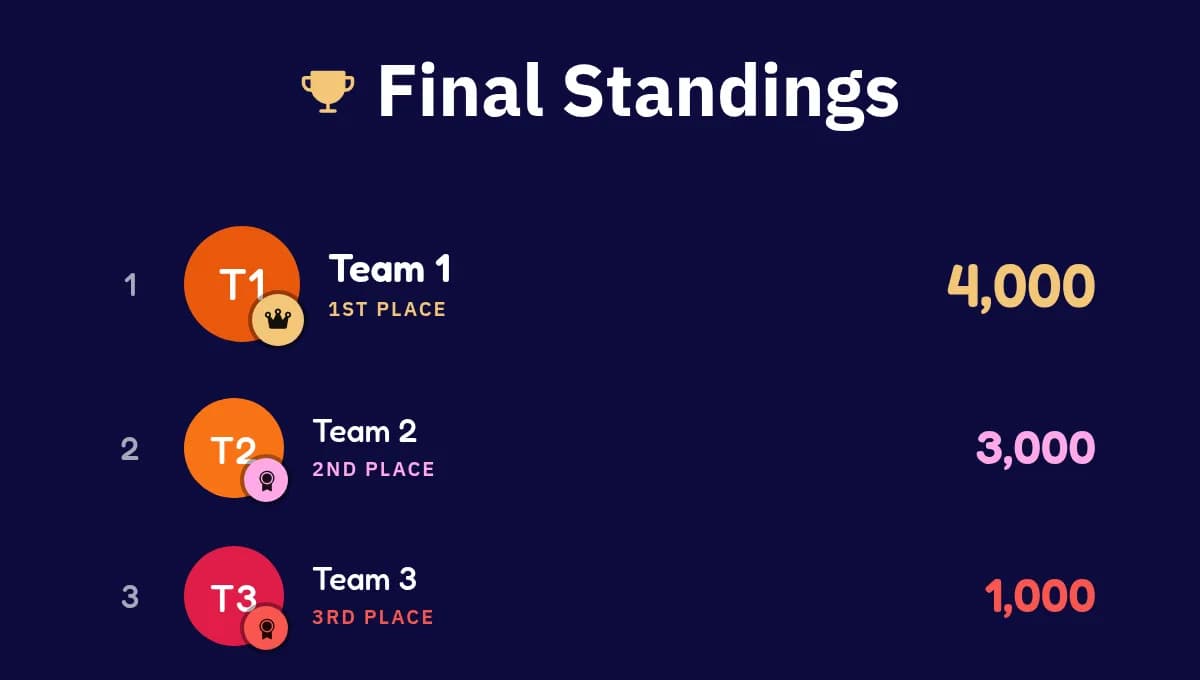
AvailableGame shows everyone plays from their own phone, with a live scoreboard.
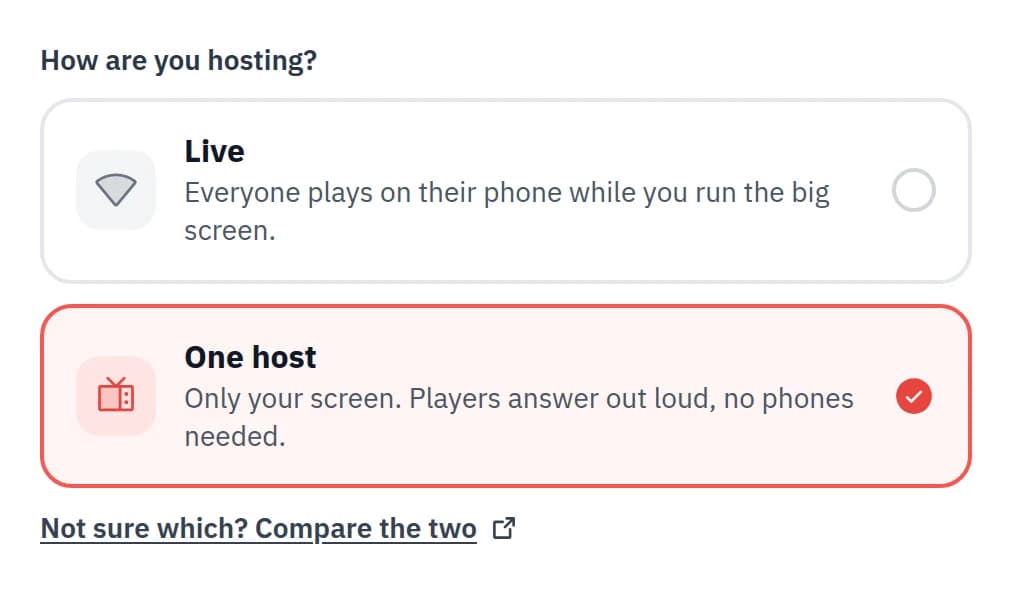
One-host sessions
AvailableRun the whole game show from one screen. No phones needed.
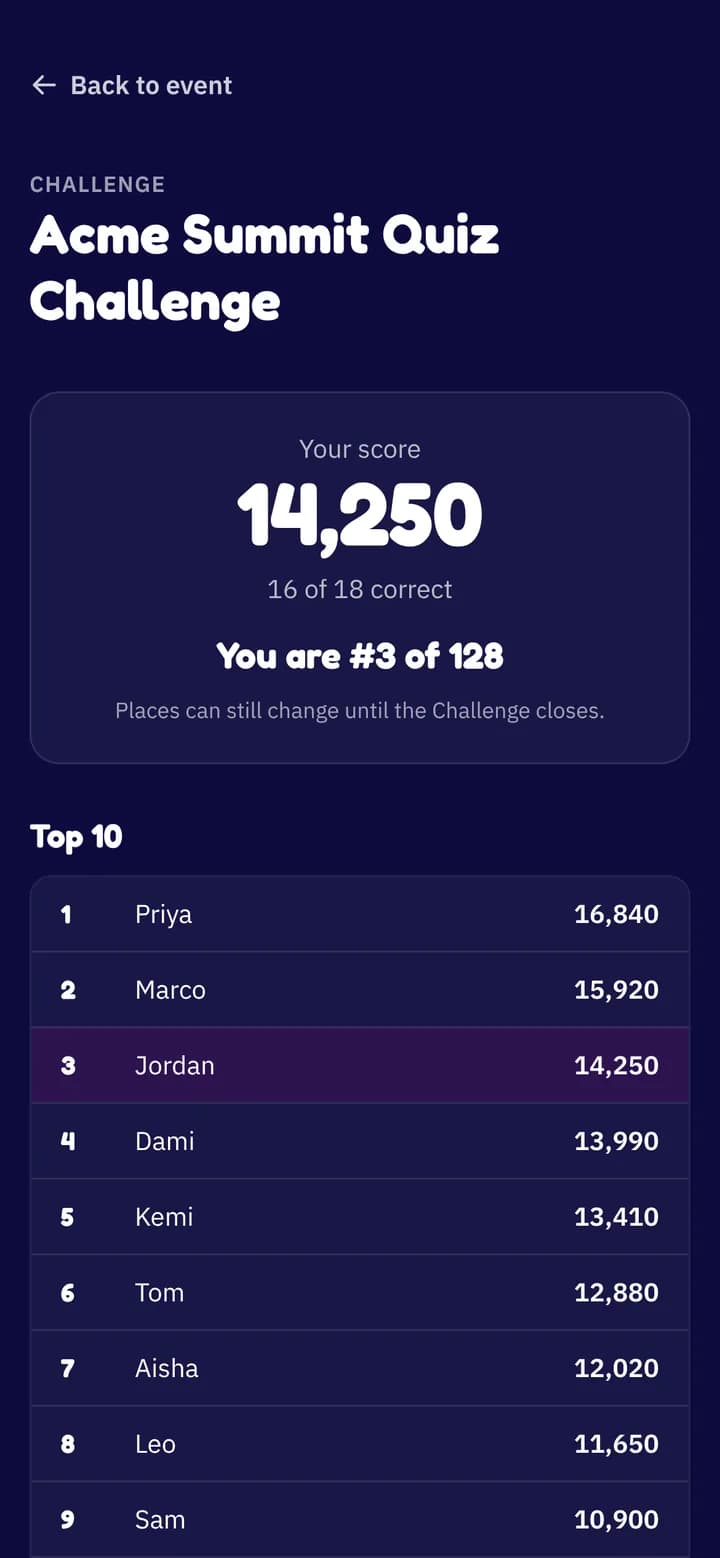
Challenge
Coming soonA quiz people play in their own time, with a leaderboard that stays up.
Live Q&A
You are hereQuestions and upvotes from every phone, moderated by you.
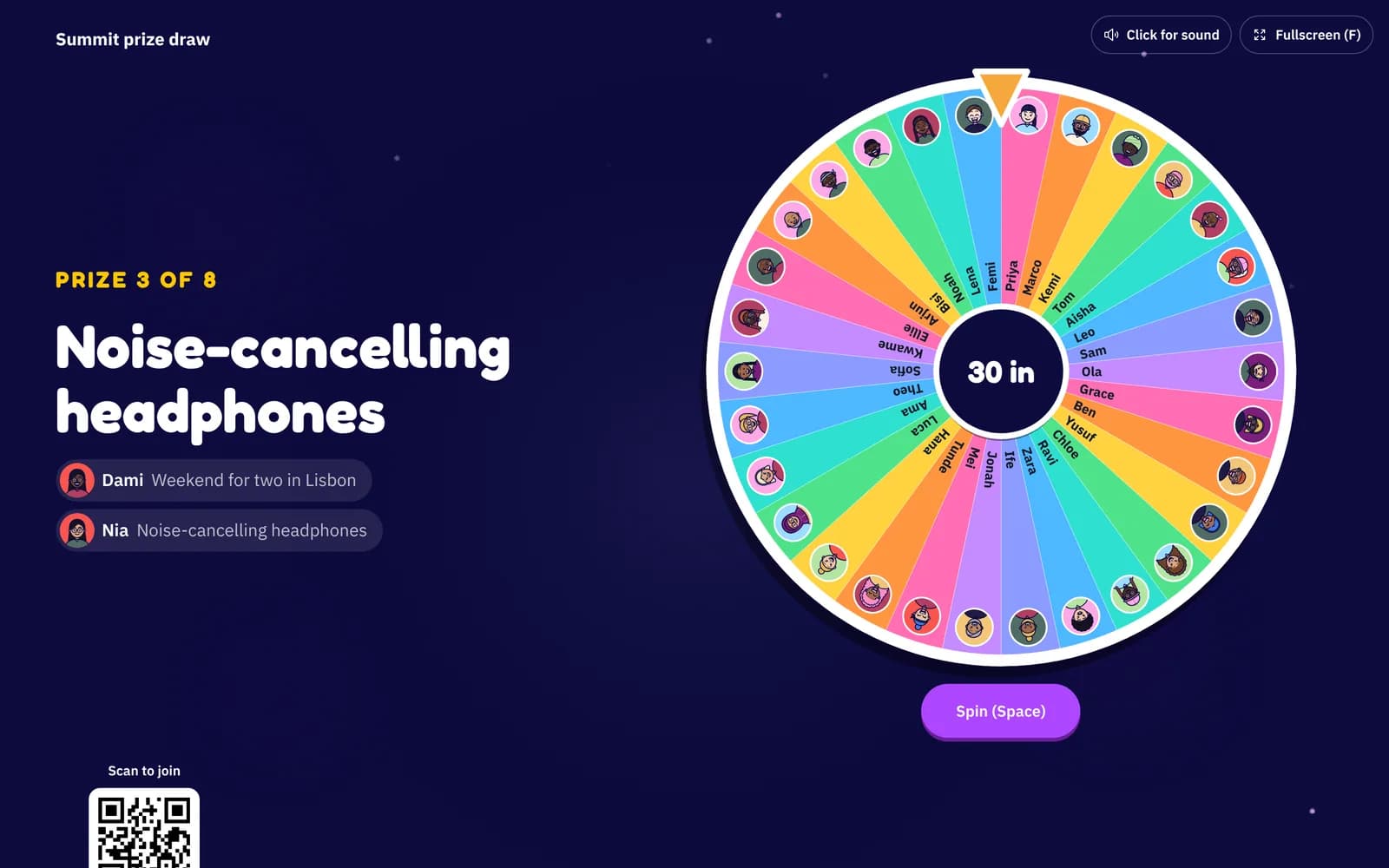
Raffle
Coming soonPrize draws on the big screen, or spin to win on every phone.
The Event Playbook
8 steps to a great Neegma event
Create and schedule your event, share a QR poster, and keep every guest playing.