
Challenge · Coming soon
A quiz people play in their own time.
Open a Challenge for a set window and people play its quizzes on their own phone whenever suits them: before the event, after it or in a break. Every answer is marked for them, faster right answers score more, and the leaderboard stays up once it closes.
Challenge is in testing with our team and coming soon. Book a demo to see it in action, or start a live session today.
Planning an event? Read the Event Playbook
Step 1 of 4
Build it from your quizzes
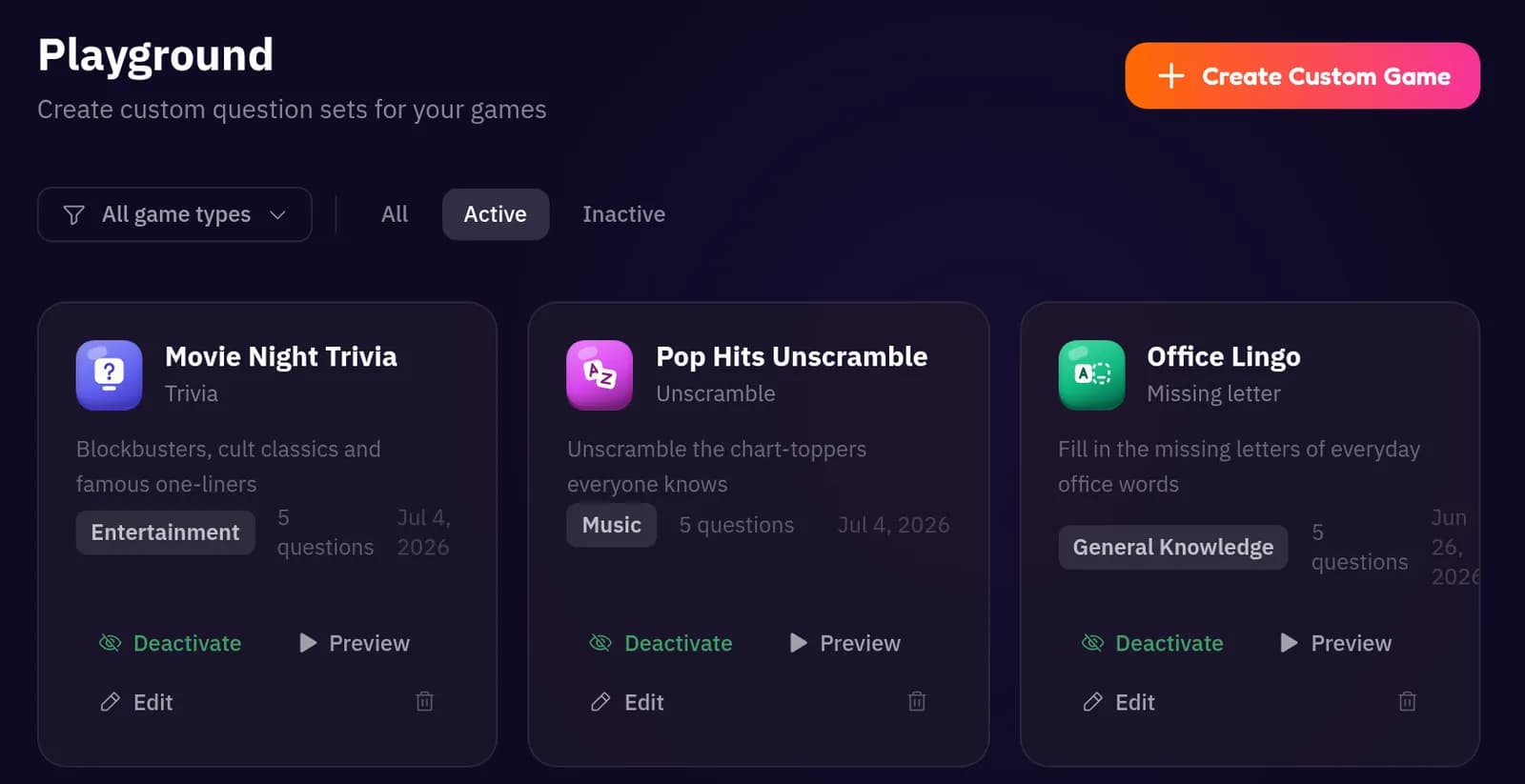
Add a Challenge to your event and pick the quizzes in it, from the question sets you made in the Playground.
A Challenge holds up to 5 quizzes. For each one, choose how many questions to take from the set, so a big question bank becomes a quick quiz. Then set when it opens and closes.
Quiz games. Trivia, Missing Letter, Odd One Out and Unscramble, written by you or drafted with Create with AI.
Fair for everyone. The questions are picked once when you publish, then shuffled for each player.
Step 2 of 4
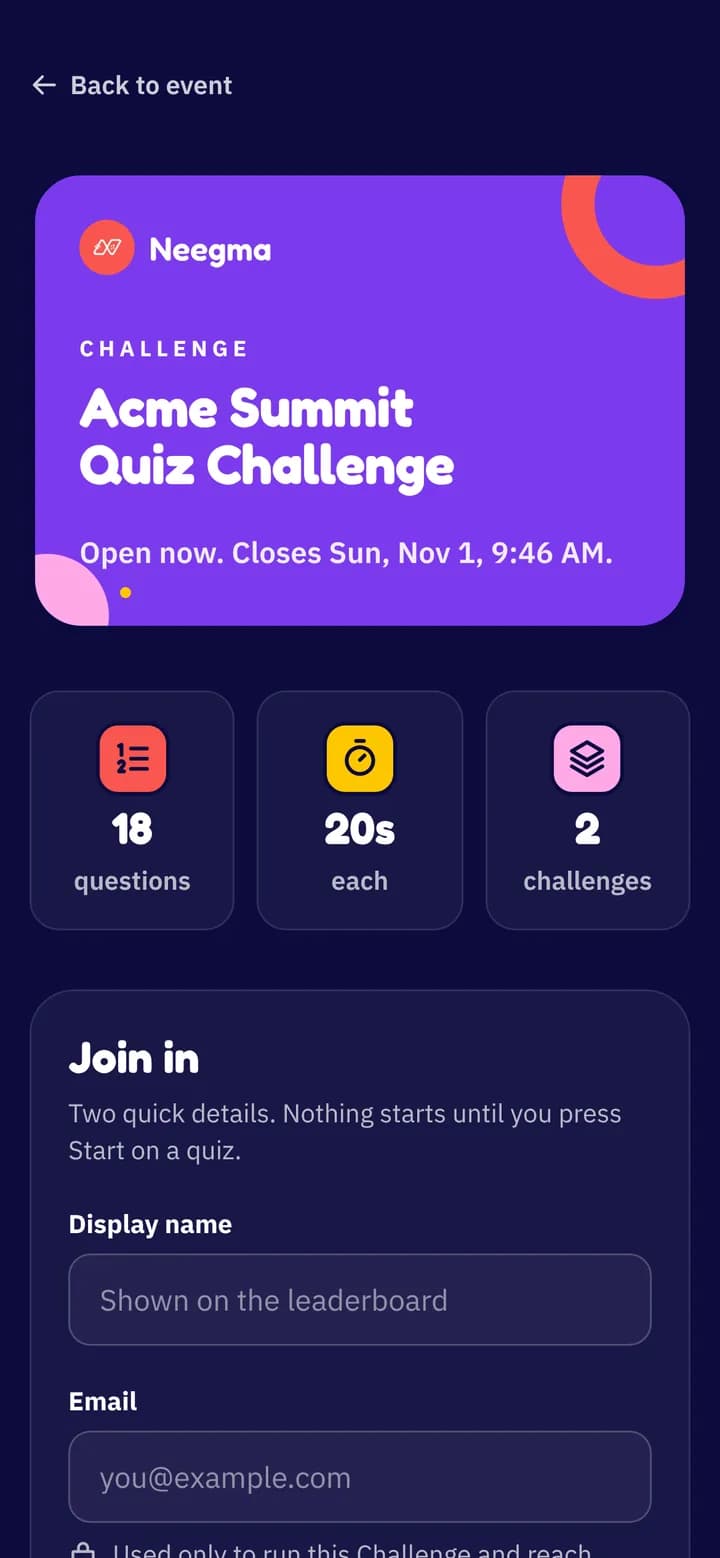
People join with one link
Share the link or the poster. People give a display name and an email, and nothing starts until they press Start on a quiz.
No app and no account. Each email gets one go, so the leaderboard stays fair, and people can come back on the same phone to play the quizzes they have left.
Step 3 of 4
Every answer is marked
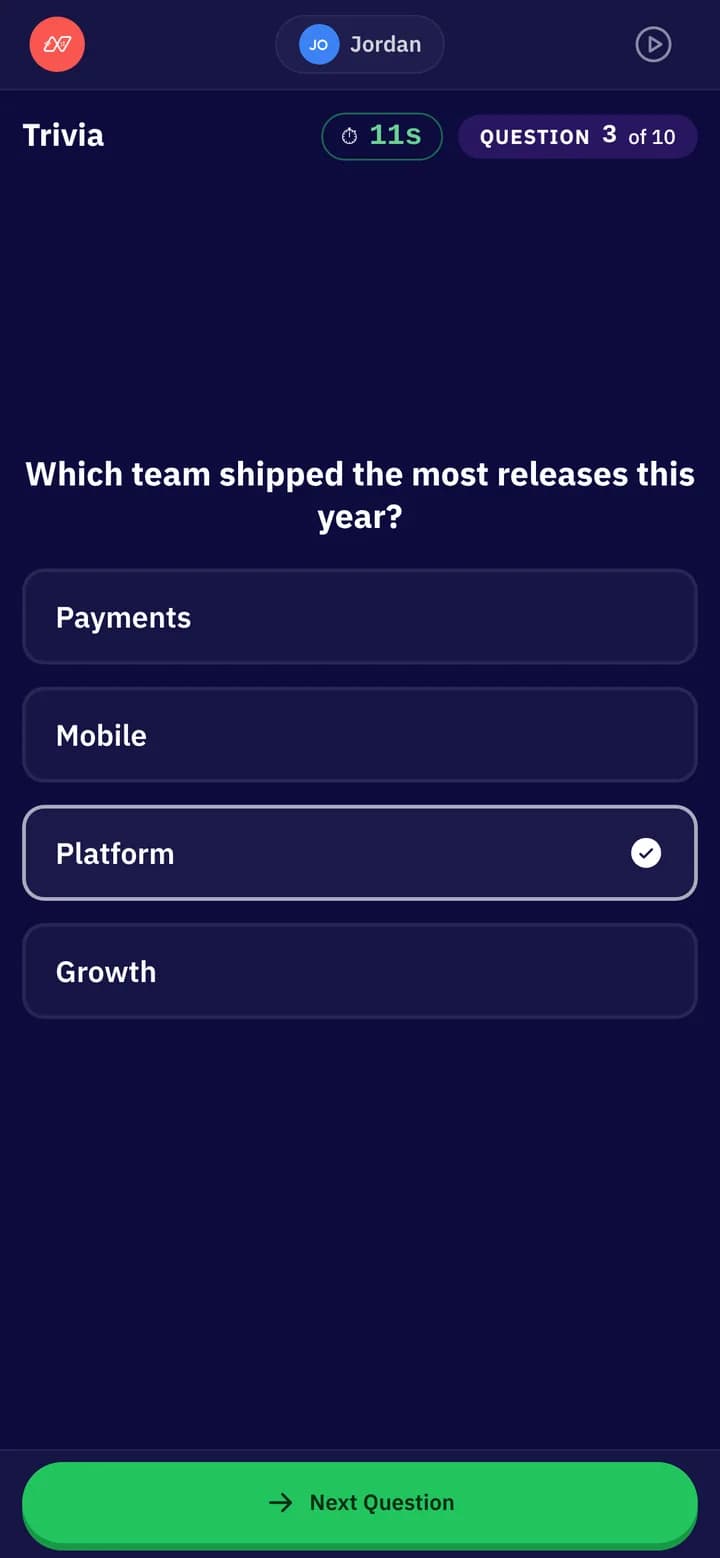
Questions come one after another with a clock on each, on the same answer screens players see in a live session.
Players can change their answer until they press Next Question. No right answers are shown along the way, so nobody can pass them on, and the server marks and times every answer.
Speed counts. A right answer scores more the faster it comes.
Step 4 of 4
Everyone finds their place
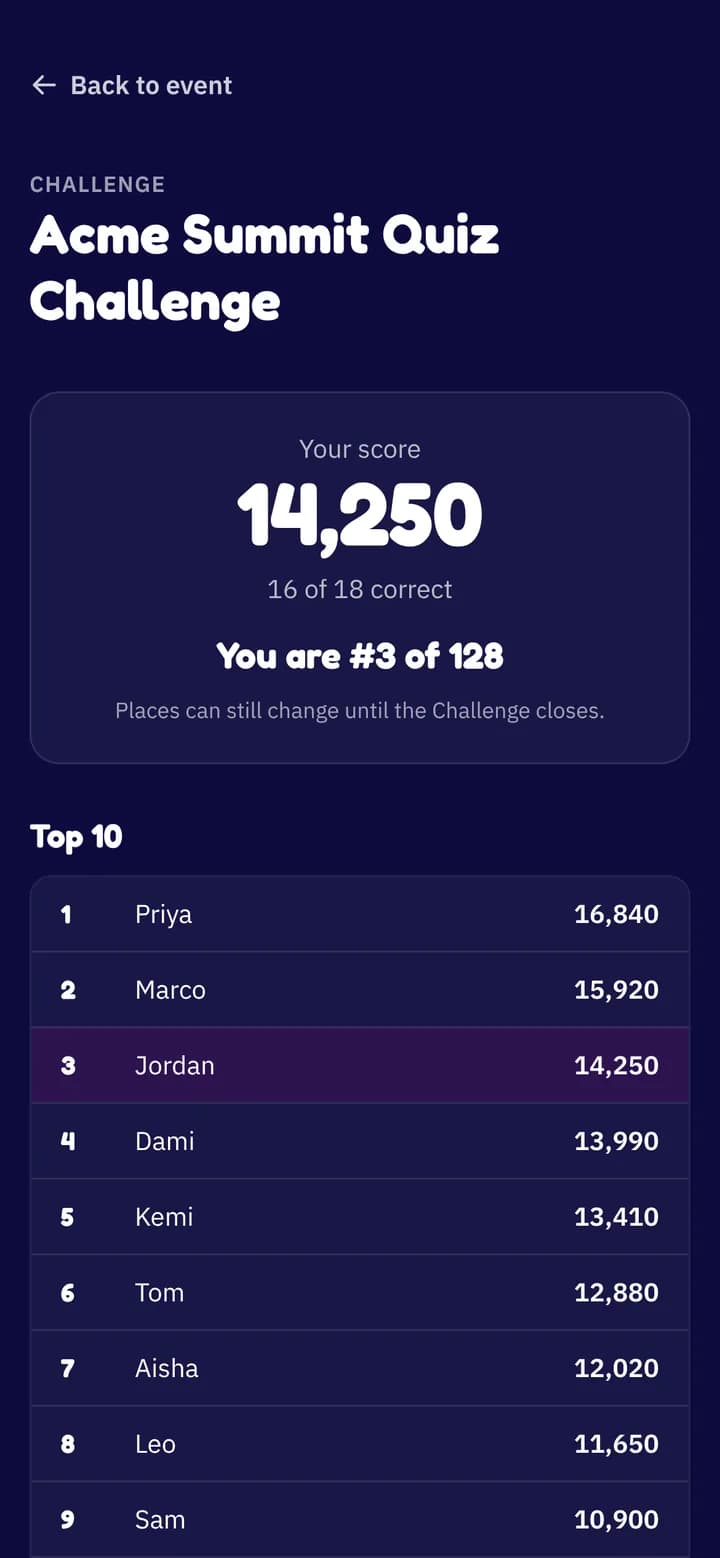
Each player sees their score, how many they got right and where they stand, and can email their results to themselves.
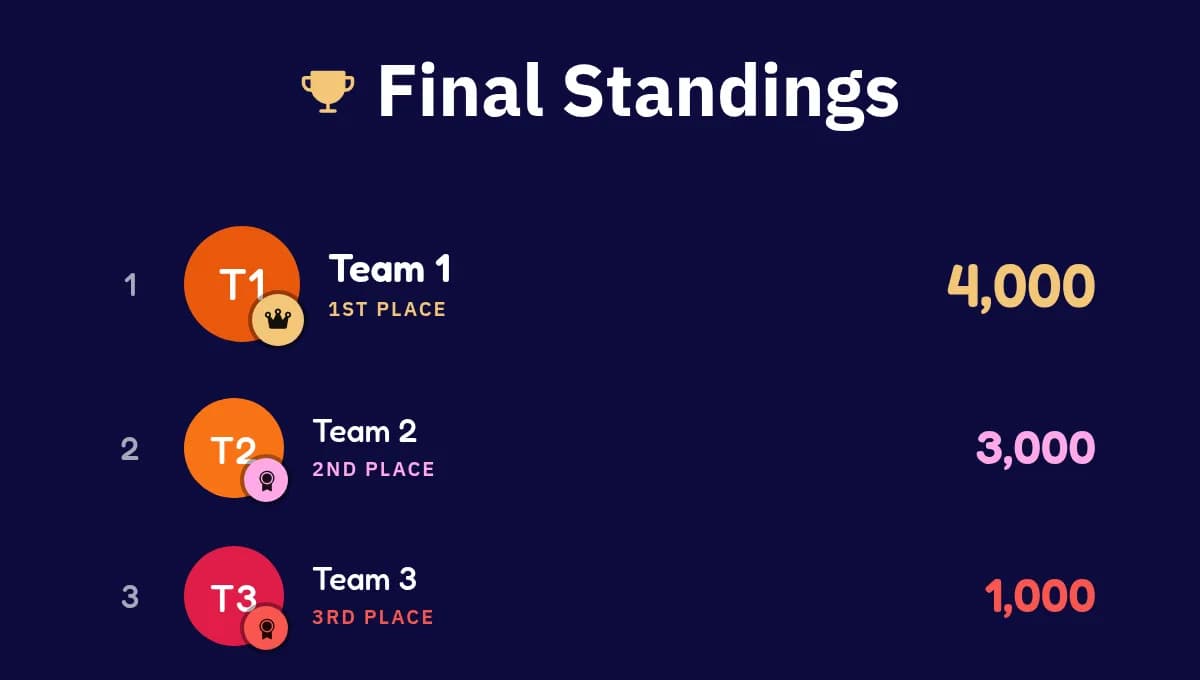
Everyone sees the top of the leaderboard and their own place. When the Challenge closes the board stays up, your winners are emailed, and your event report and CSV export show how everyone did.
4 games
Quiz games a Challenge can hold
Use the question sets you already built for live sessions, or make new ones in the Playground.
Questions
Good to know
When do people play?
Any time while it is open, on their own device. Run it for an afternoon, a week, or across a whole conference.
Do players need an account?
No. A display name for the leaderboard and an email, so each person plays once and you can reach your winners.
Part of your event
A Challenge sits on your event's link next to your live sessions, so people find everything in one place.
Picking winners
Choose how many winners you want. When it closes they are emailed, and everyone else keeps their place on the board.
Go further with a guide.
Ideas and how-tos from the Neegma blog.
How to host a quiz night
Pick a format, prepare the questions and keep the evening running to time.
True or false questions for your quiz
Write them, import them or draft them with AI, plus tips for good ones.
How to create your own games
Write questions, draft them with AI or import a CSV in the Playground.
Experiences
Everything your event needs, on one link
Mix game shows with a Challenge, a Q&A and a prize draw. Guests find them all on your event's page.
Live sessions
AvailableGame shows everyone plays from their own phone, with a live scoreboard.
One-host sessions
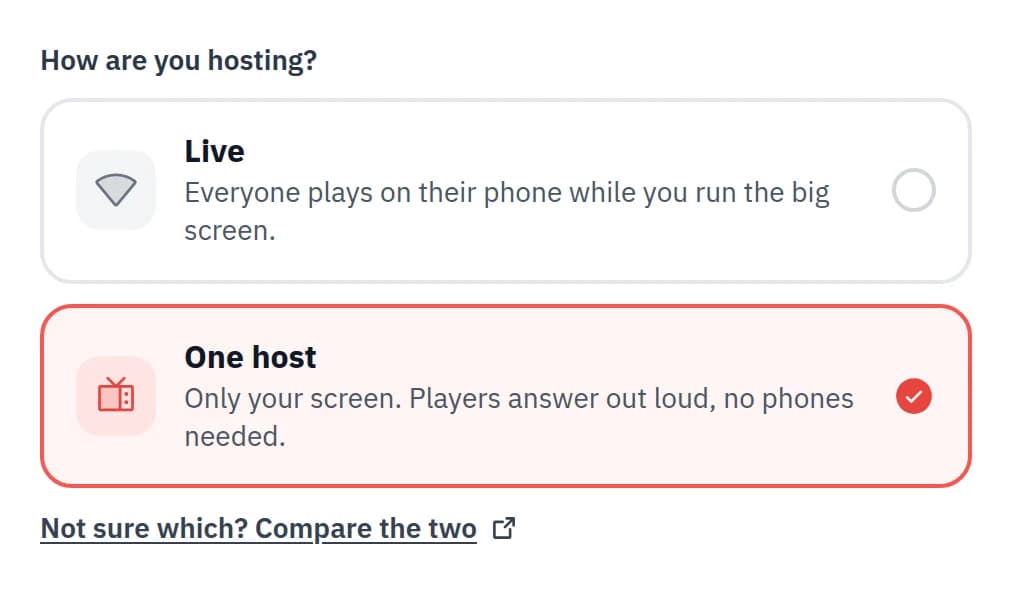
AvailableRun the whole game show from one screen. No phones needed.
Challenge
You are hereA quiz people play in their own time, with a leaderboard that stays up.
Live Q&A
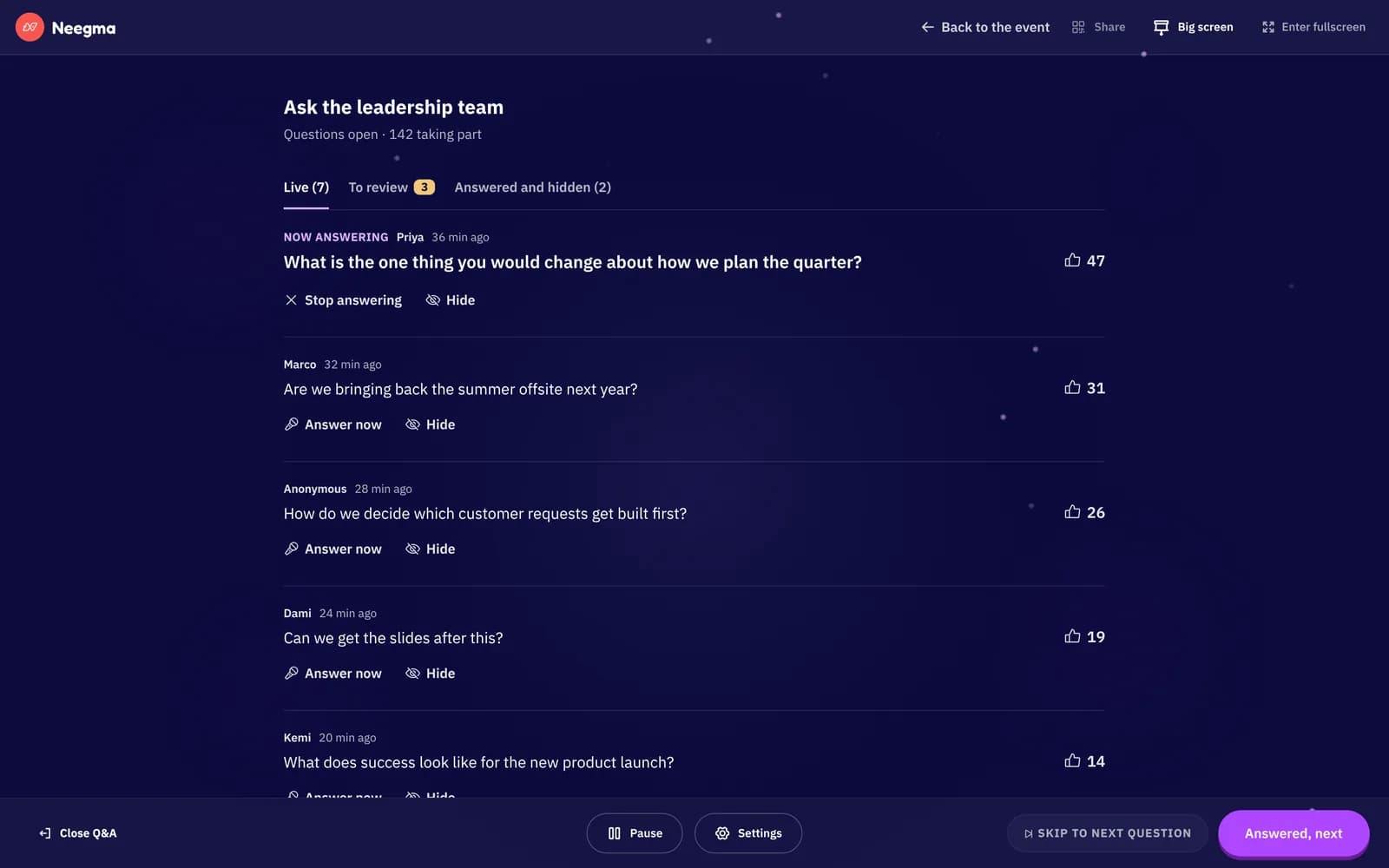
Coming soonQuestions and upvotes from every phone, moderated by you.
Raffle
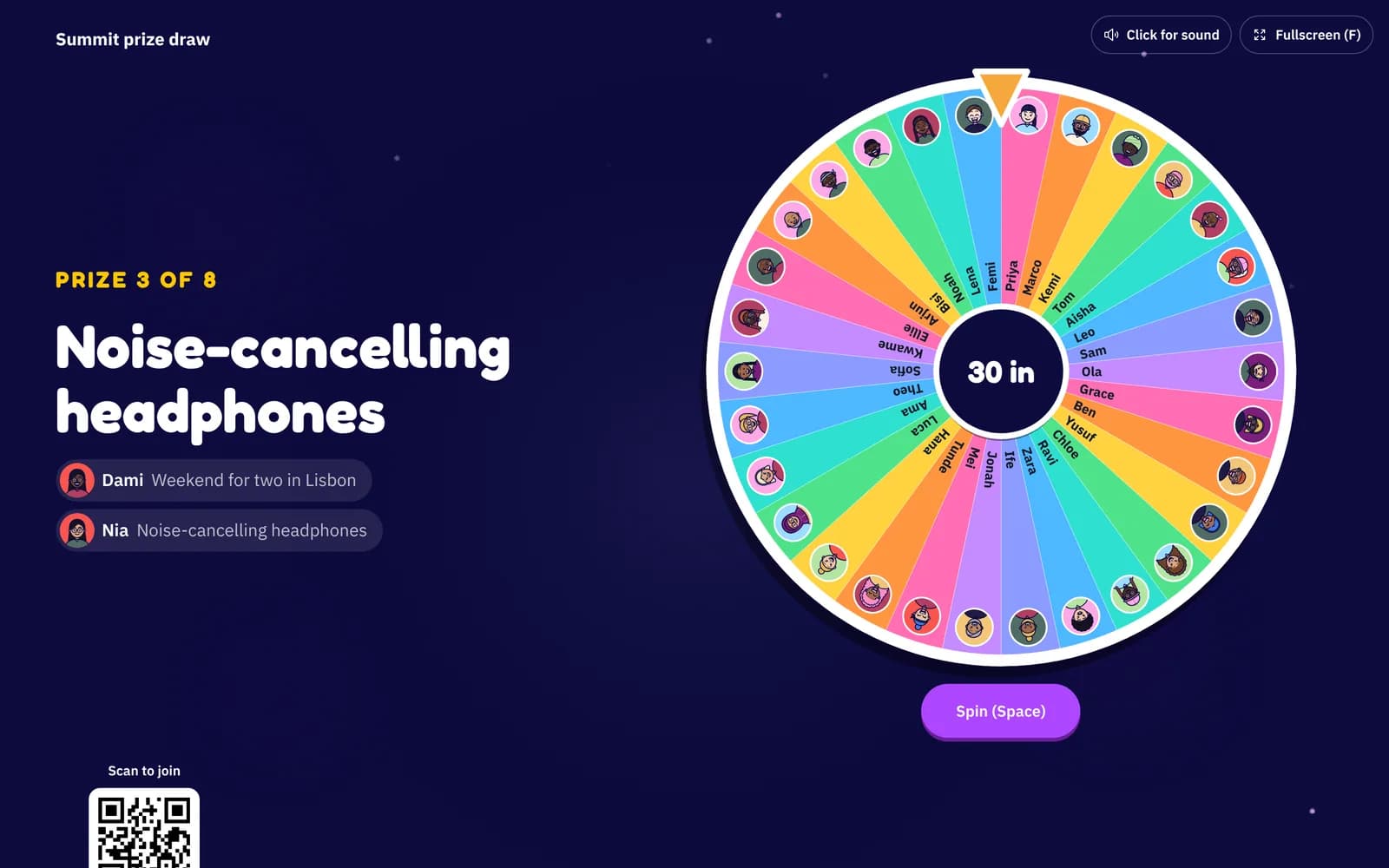
Coming soonPrize draws on the big screen, or spin to win on every phone.
The Event Playbook
8 steps to a great Neegma event
Create and schedule your event, share a QR poster, and keep every guest playing.